Configure BuildNinja Server
Set up the BuildNinja Server to manage builds, coordinate agents, and connect to the database. The server acts as the central controller for your CI/CD operations, handling build scheduling, monitoring, and communication between agents and projects.
Configure Server using Unified Installer
-
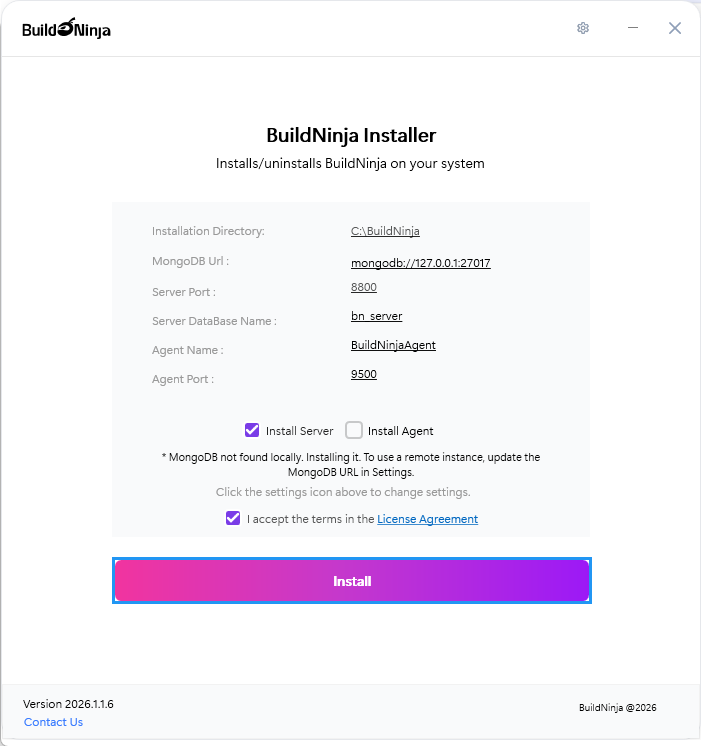
Run the unified installer and select Server as the component to install.
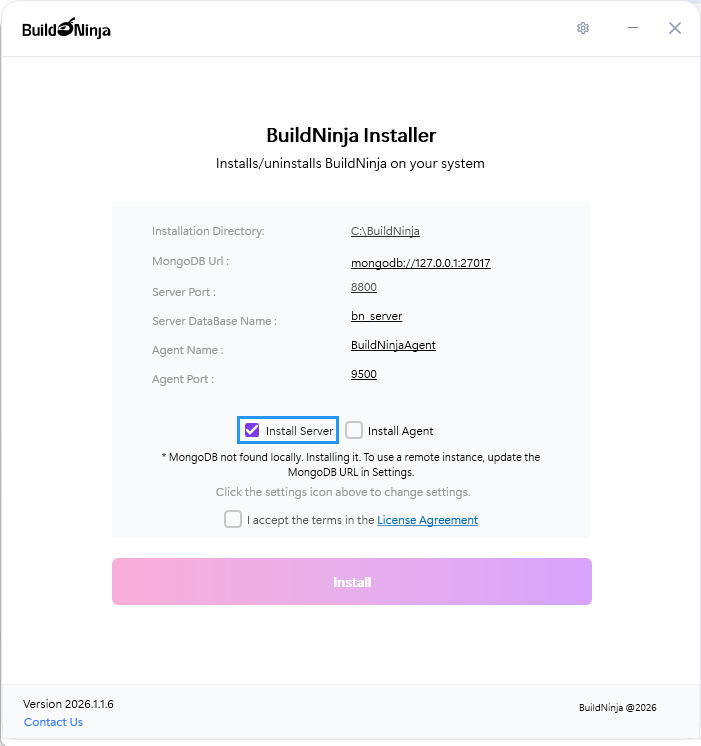
-
Navigate to Installation Settings.
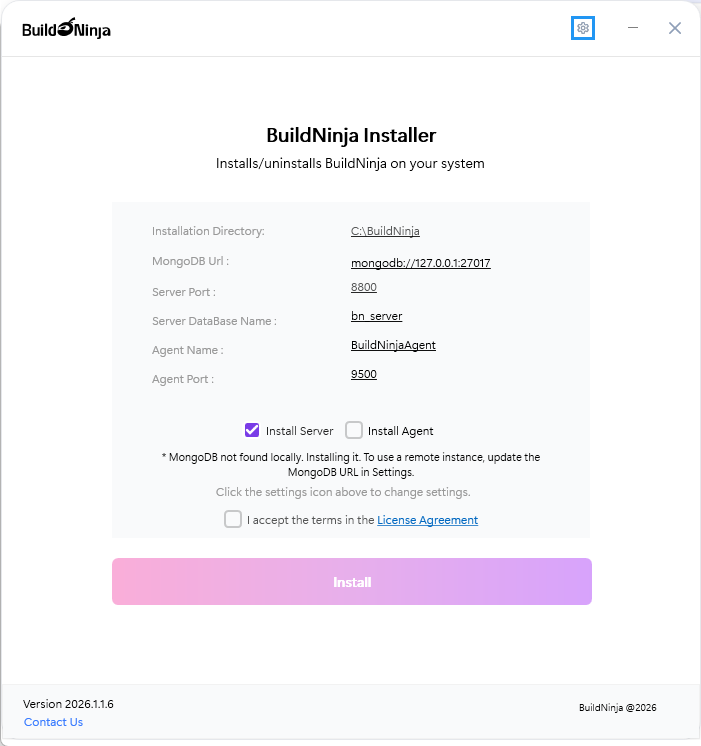
-
Check and provide the following details:
- Installation Directory: Path where BuildNinja components are installed on your system. The default value is
C:\BuildNinja. - MongoDB Url: Connection string or address of the MongoDB instance. You can verify the connection using the Test button.
- Server Port: Port number used to run the server. You can test the port availability using the Test button. The default value is
8800. - Server DataBase Name: Name of the database used by the server. The default value is
bn_server.
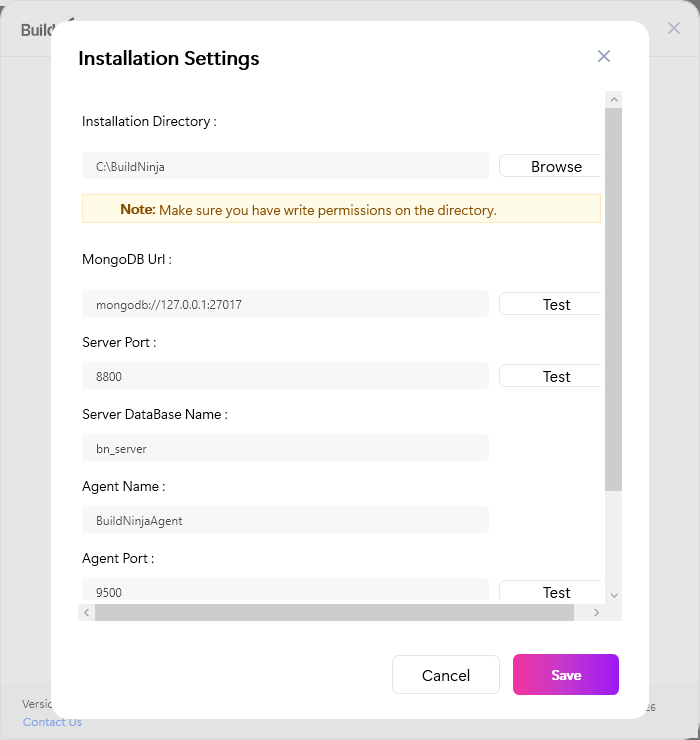
- Installation Directory: Path where BuildNinja components are installed on your system. The default value is
-
Click Save to save your installation settings.
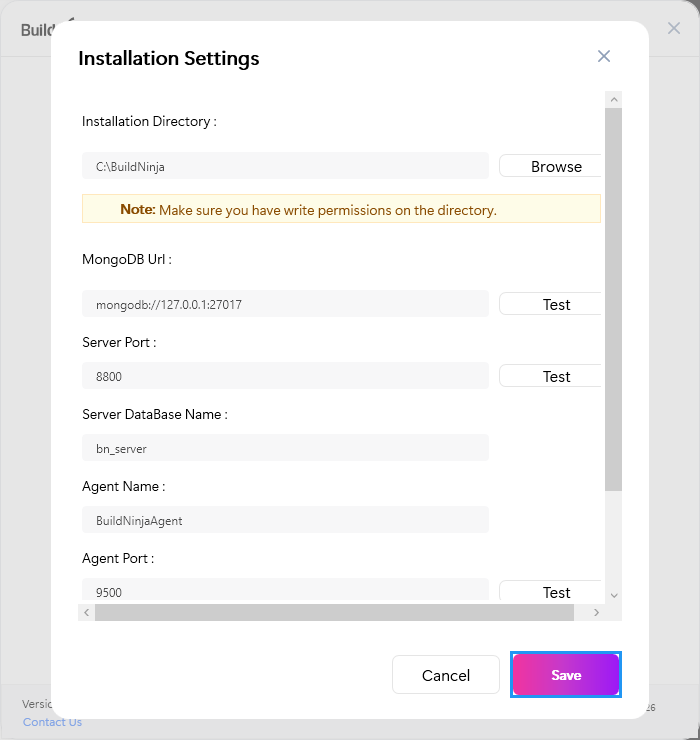
-
Accept the License Agreement and click Install to start installing the application.
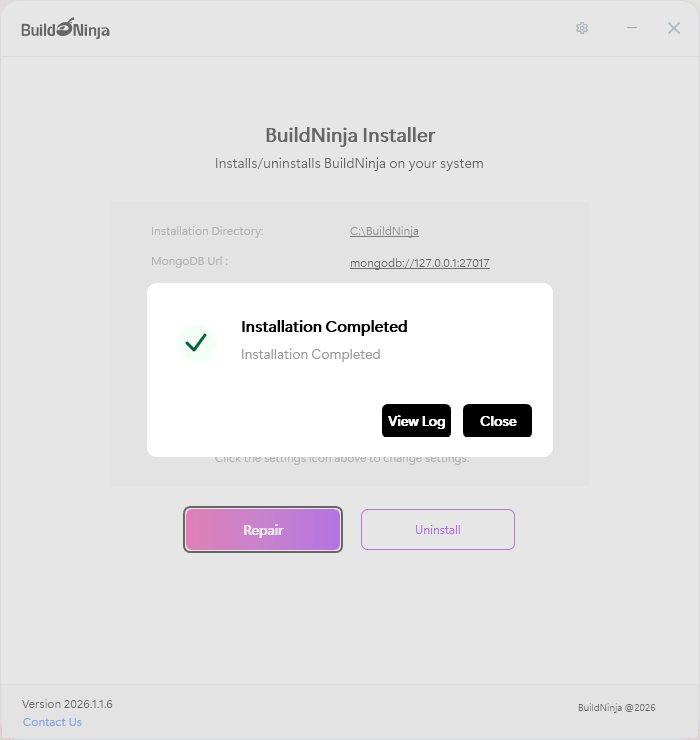
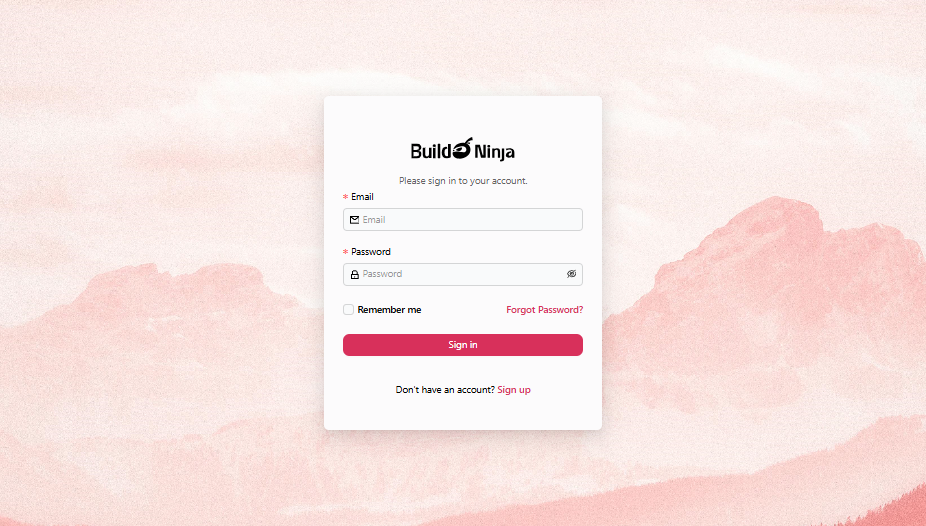
After successful installation, an Installation Completed message appears, and the Sign-in page automatically opens in your default browser.
Access BuildNinja Web Interface
-
Open a browser and visit
http://<your-server-ip>:8800/. -
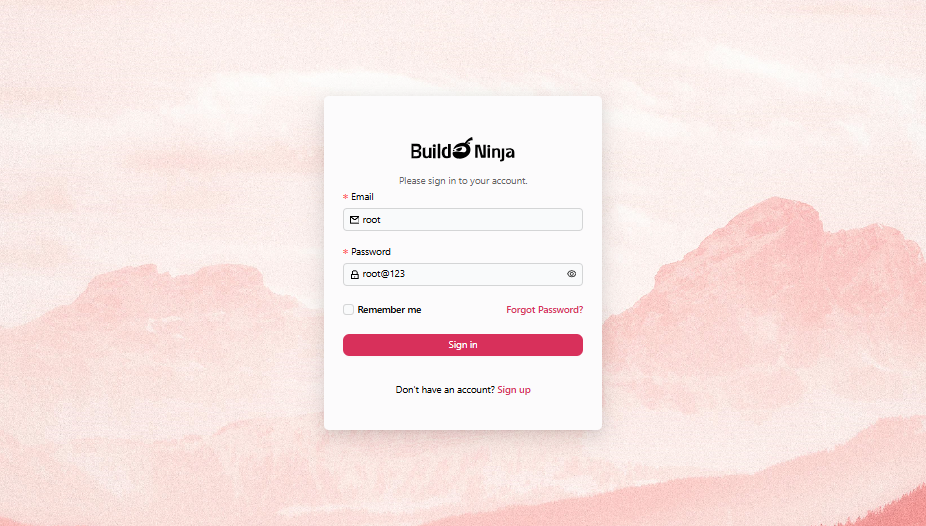
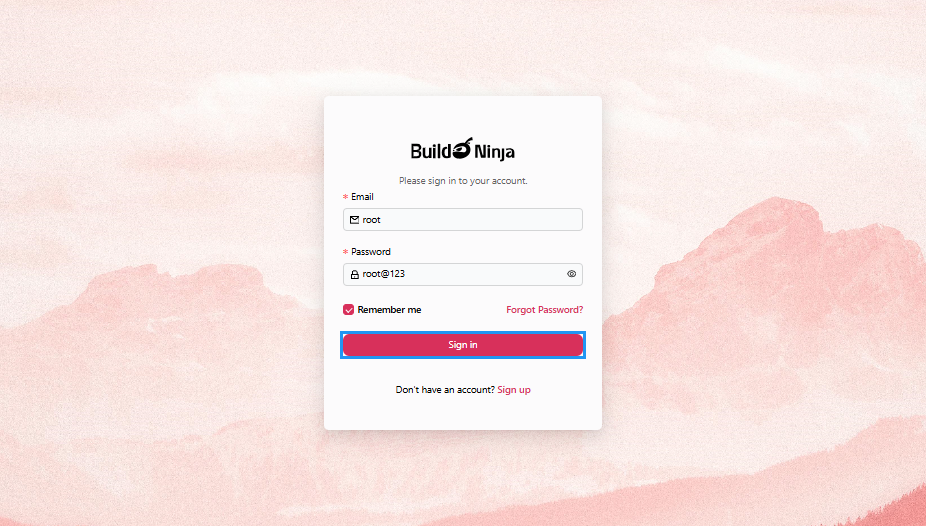
Use the default administrator credentials to sign in:
- Email:
root - Password:
root@123
- Email:
-
Click Sign in to continue.
-
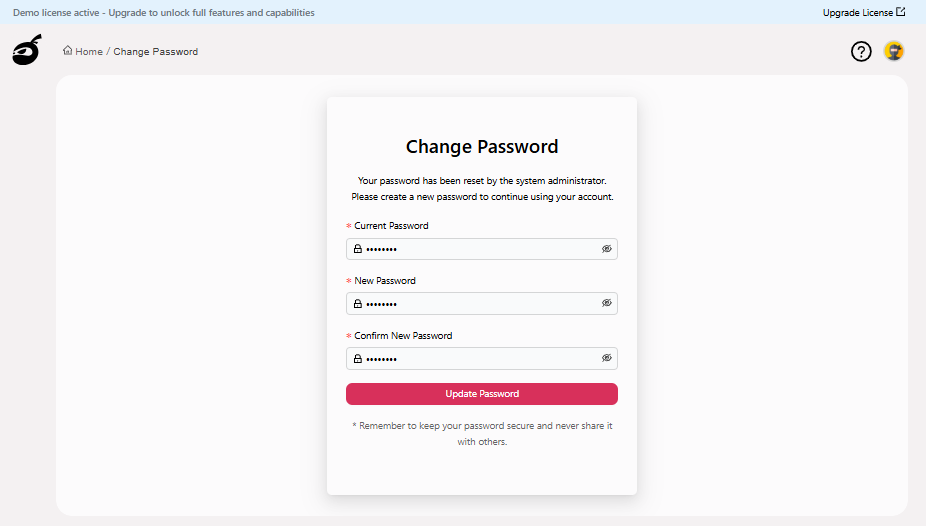
After signing in, the "Sign-in" page will prompt you to reset the password. Enter the following details:
- Current Password: The default administrator password.
- New Password: Enter a strong password for your account, at least 8 characters with a combination of letters, numbers, and special characters.
- Confirm New Password: Enter the password you have entered in the "New Password" field.
-
Click Update Password to reset the password.
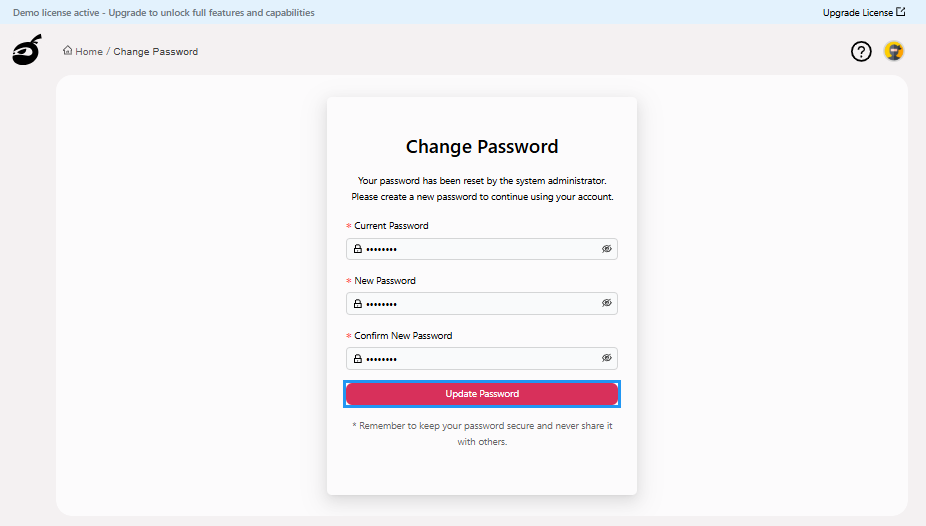 After successfully resetting your password, BuildNinja will automatically redirect you to the Dashboard
  .
.