Queue
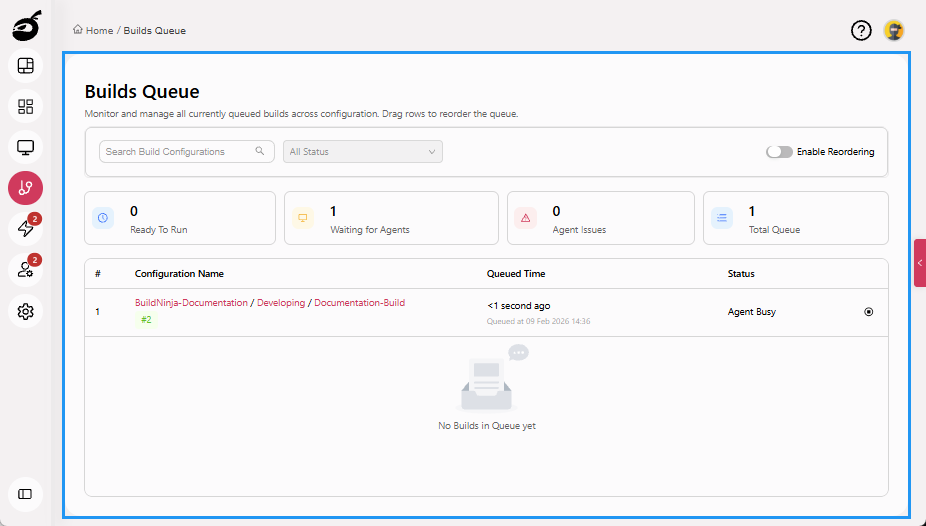
Queue  displays and manages builds that are waiting to be executed. It provides you with real-time visibility into the scheduling and prioritization of builds across available agents. Within Queue, you can:
- View a list of queued builds along with their position in the queue
- Identify which build is queued
- Check how long ago each build was added to the queue
- Reorder builds to adjust execution priority
- Cancel queued builds before they start
- Search and filter queued builds to quickly locate specific build configurations