Settings
Settings  provides access to global configuration options that define how the platform behaves system-wide. It allows administrators to manage key settings such as SSO authentication, mail templates, notifier configurations, license management, and AI configurations, ensuring secure, consistent, and centralized platform control.
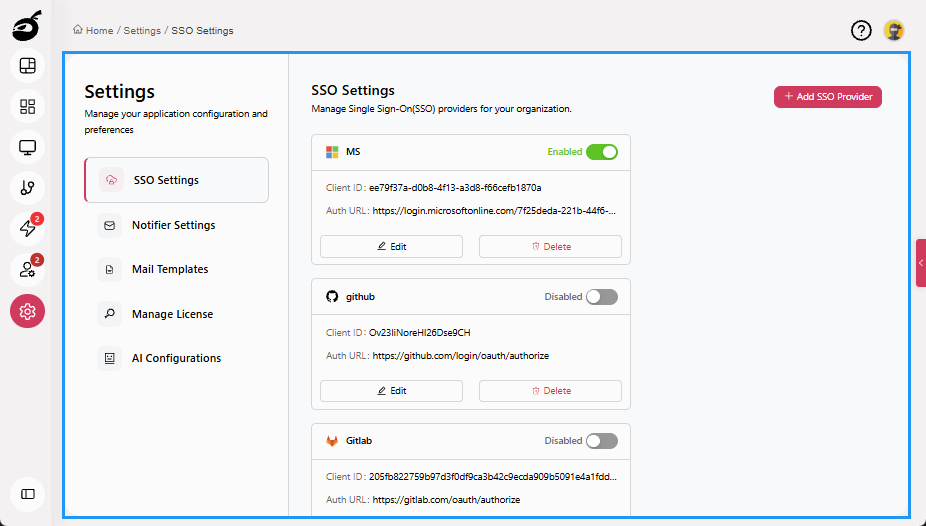
Settings Tabs
The following tabs are available to help you manage key administrator settings:
-
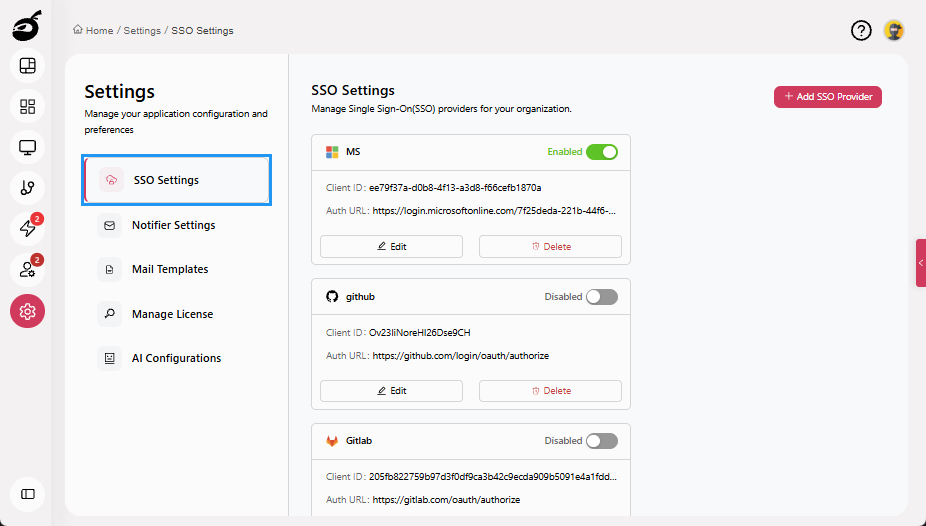
SSO Settings: Configure and manage Single Sign-On (SSO) integration, including authentication providers.
-
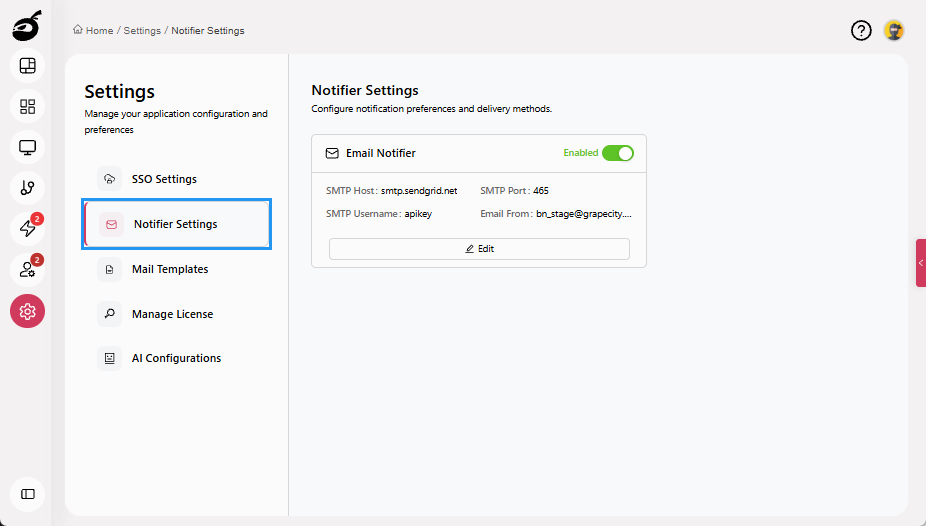
Notifier Settings: Define and manage system-wide notification channels to ensure users receive build and system alerts.
-
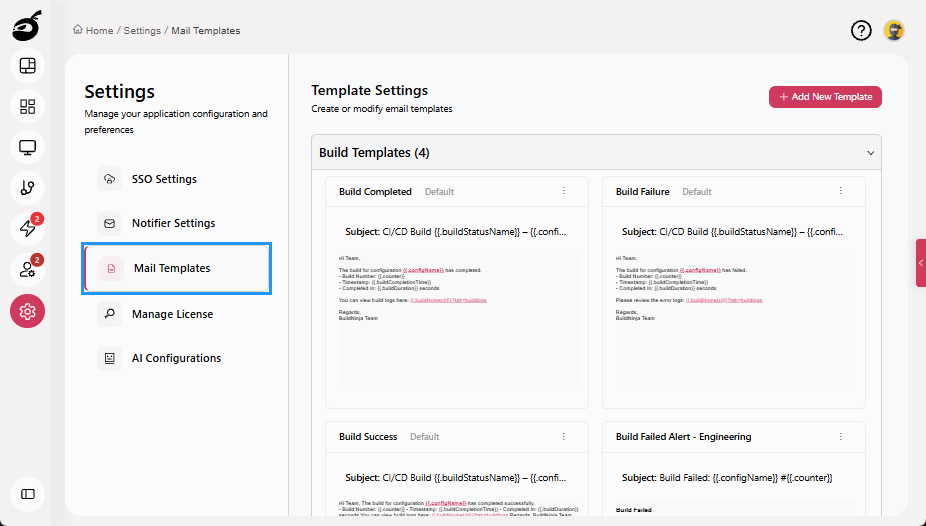
Mail Templates: Create and manage system email templates used for user notifications, approvals, and system alerts.
-
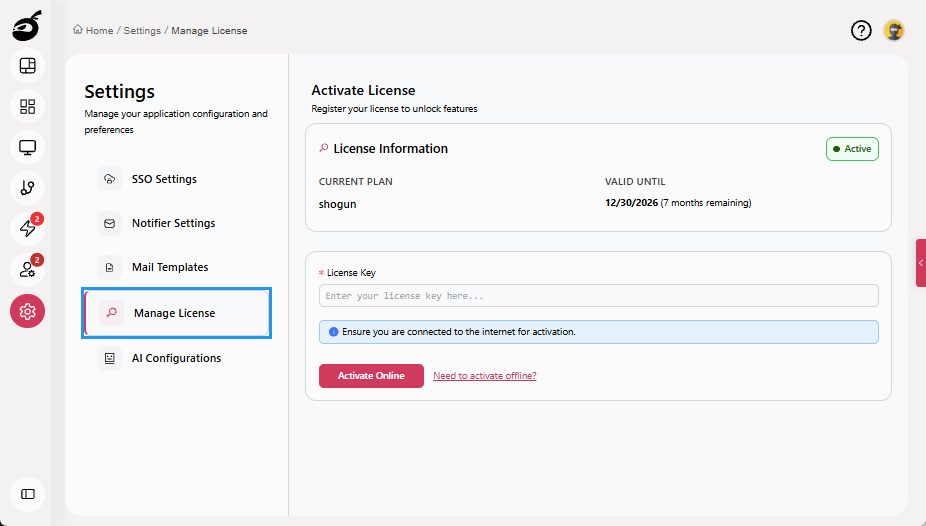
Manage License: View existing license details and add or activate a new license online or offline.
-
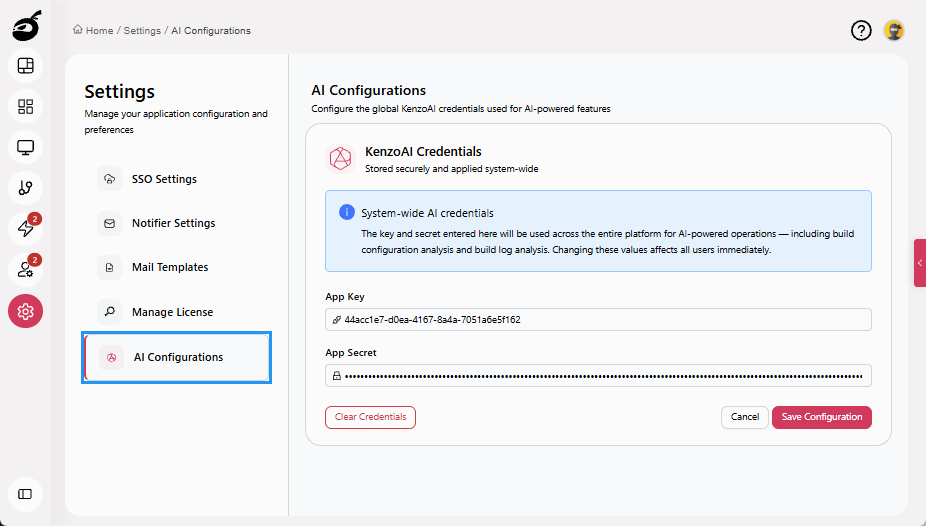
AI Configurations: Manage KenzoAI credentials, including the Application Key and Application Secret, required to enable AI-powered features across the platform.